Migration decision records
Compare eligible options, failed flows, and field mappings from supplied records.
Provide budget, parity, rollback, behavior, and field-mapping records. ExitCanvas returns eligible options, failed flow IDs, and a mapping status for every supplied field.
Sign in and you go straight back to the ExitCanvas conversation. Work happens in chat. This page never asks for your card details or email address.
FIRST REAL RESULT
A core workflow migrated in a test environment
rollback path required · source writes forbiddenCONTROLLED INVENTORY
Trace the current product before anyone cuts over.
Inputs cover migration option parity, cost, rollback status, budget, flow behavior, and field mappings.
- Source chain
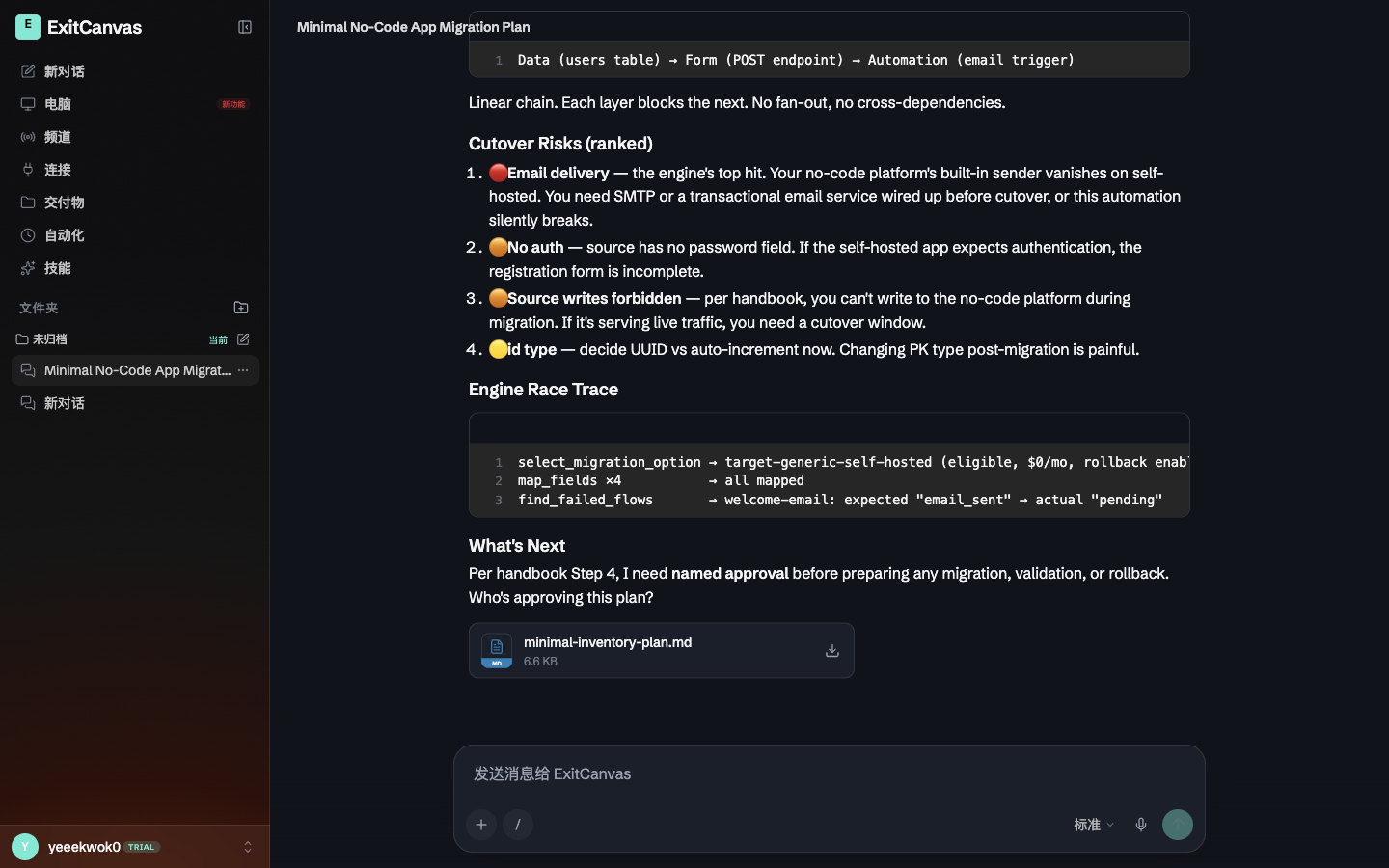
- users table → registration form POST → welcome-email automation
- Target
- generic self-hosting with rollback enabled
- Welcome-email check
- expected email_sent versus actual pending
- Downloadable plan
- minimal-inventory-plan.md, Markdown, 6.6 KB
four mapped fields. A named person must approve the plan before migration, validation, or rollback preparation. SMTP or another transactional sender must also be supplied before cutover.
DEPENDENCY ORDER
Keep every cutover decision tied to a rollback path.
Eligibility requires the parity threshold, supplied budget, and a rollback path. Missing required targets are returned as gaps.
- 01
ExitCanvas keeps only options with at least 95 percent parity, cost within budget, and a rollback path.
- 02
It compares expected and actual behavior exactly for each supplied flow.
- 03
It marks a missing target as a gap when required and ignored when optional, while retaining mapped source and target names.
ELIGIBILITY GATE
An option is eligible only when parity, budget, and rollback all hold.
ExitCanvas keeps only options with at least 95 percent parity, cost within budget, and a rollback path. It does not write to the source product.
- PARITY95%
Below the threshold is not eligible.
- BUDGETwithin
Monthly cost must stay inside the supplied budget.
- ROLLBACKtrue
No rollback path means no selected option.
FIELD STATUS
Every supplied field comes back mapped, ignored, or gap.
A migration workspace for teams leaving a no-code platform or rebuilding an expensive product on a more sustainable stack.
- 01
Migration options with ID, parity percentage, monthly cost, and rollback availability
- 02
Budget for comparing eligible options
- 03
Flow IDs with expected and actual behavior
- 04
Source fields with optional target fields and required flags
Eligible option IDs and the lowest-cost eligible option
IDs of flows whose actual behavior differs from expected behavior
A row for every source field marked mapped, ignored, or gap
DO NOT CUT HERE
The overlay is a plan. Cutover stays a named approval.
It does not
- Writing to the source product or executing a cutover
- Claiming full parity from anything other than the compared flow records
- Selecting an option below the parity threshold, over budget, or without rollback
Owner still reviews
- Source-platform exports may omit behavior or metadata.
- Cutover, cost and security decisions require owner review.
STARTER
Open a migration workspace with the overlay already in view.
$19.00 is stated here before you register; card payment runs through Stripe Checkout inside the signed-in workspace.
US$19 per month
Continue to workspace billingBEFORE YOU TRACE
Questions
Which migration options are eligible?
An option must have at least 95 percent parity, stay within the supplied budget, and declare a rollback path.
How is the selected option chosen?
The engine selects the lowest monthly cost from the eligible options and returns no selected ID when none qualify.
How are failed flows identified?
Each flow's actual behavior is compared exactly with its expected behavior, and differing flow IDs are returned in input order.
What happens to a field without a target?
It is marked as a gap when required and ignored when optional. A supplied target marks the field as mapped.